

Overview
This example demonstrates how to use Trigger.dev to send emails using React Email.Task code
trigger/sendReactEmail.tsx
The email
This example email should look like this: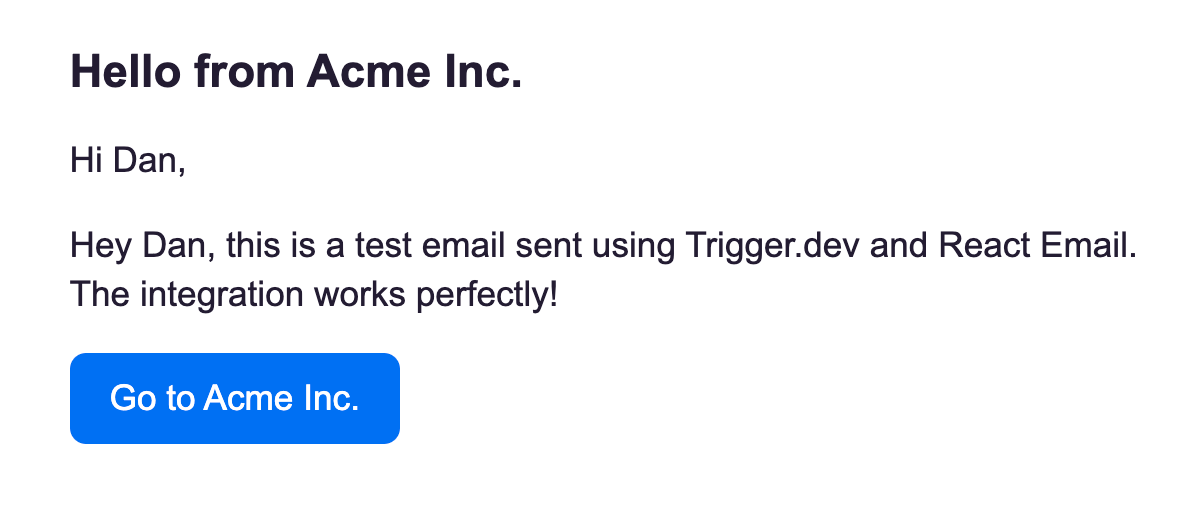 This is just a simple implementation, you can customize the email to be as complex as you want. Check out the React email templates for more inspiration.
Testing your task
To test this task in the dashboard, you can use the following payload:Deploying your task
Deploy the task to production using the Trigger.dev CLIdeploy command.
Using Cursor / AI to build your emails
In this video you can see how we use Cursor to build a welcome email. We recommend using our Cursor rules to help you build your tasks and emails.Video: creating a new email template using Cursor
The generated email template
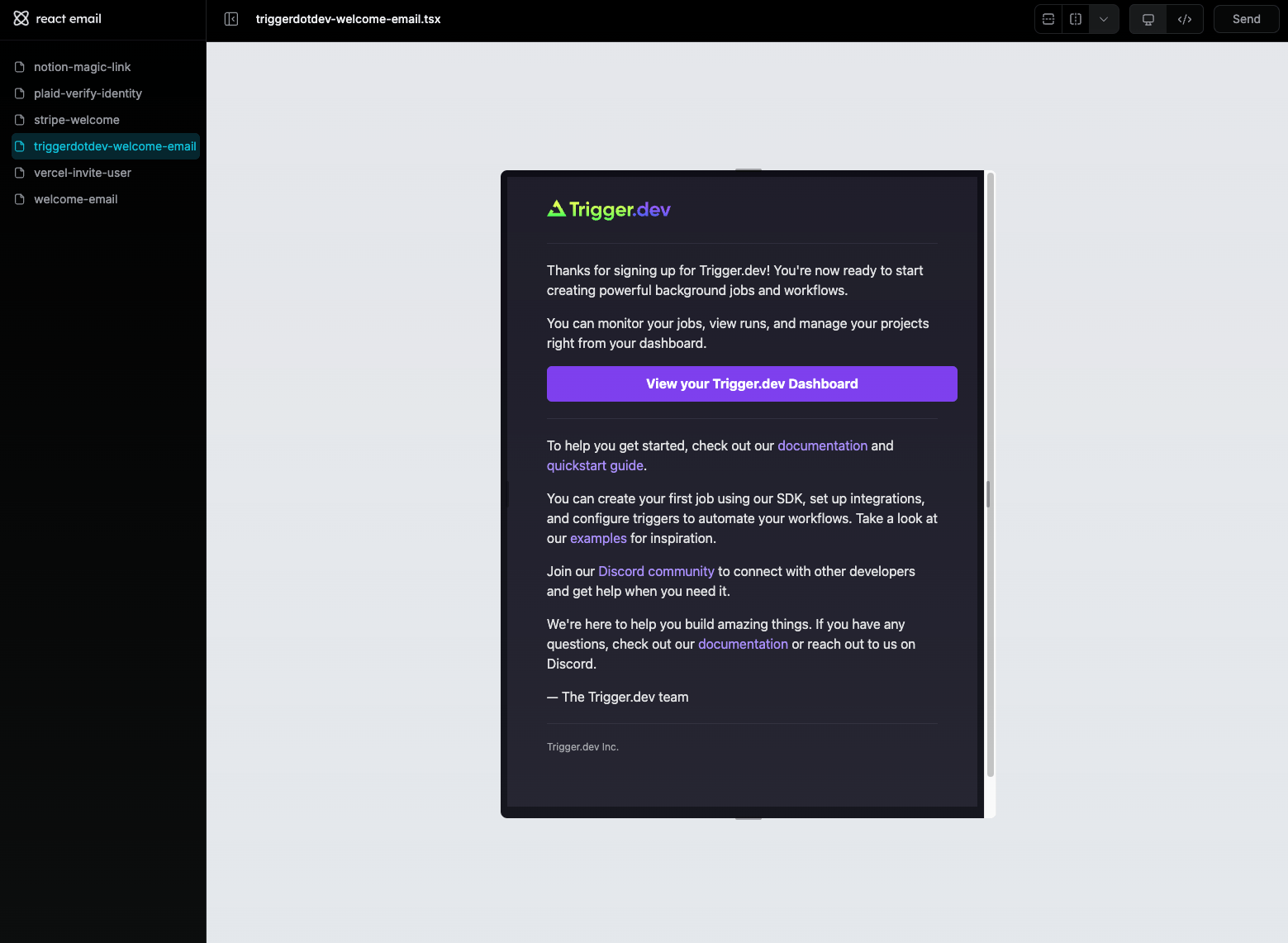
The generated code
trigger/welcome.tsx
Learn more
React Email docs
Check out the React Email docs and learn how to set up and use React Email, including how to preview your emails locally.Components
Pre-built components you can copy and paste into your emails.
Templates
Extensive pre-built templates ready to use.